Does Wi‑Fi à Bord Chauffeur Actually Work in Premium Cars?
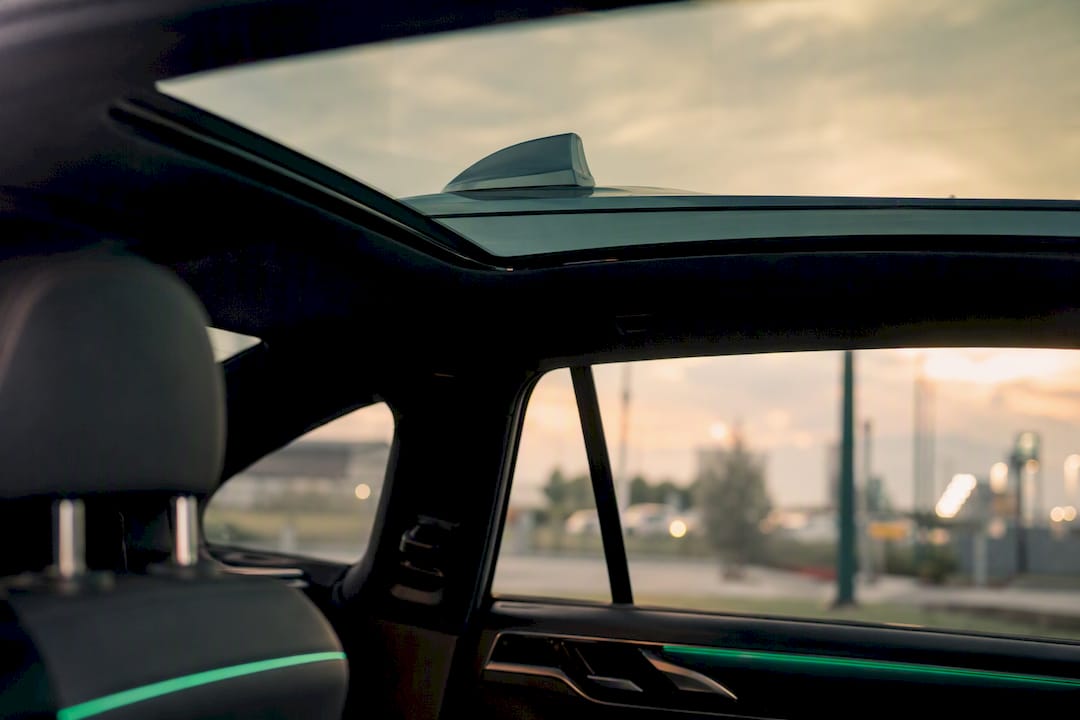
Most premium chauffeur services offer some form of onboard Wi‑Fi, but “offered” and “reliable” are not the same promise. The honest answer: quality swings hard between a portable hotspot tossed on the dashboard and an enterprise‑grade router bolted into the vehicle with dual‑SIM failover. If you need work‑grade connectivity, don’t assume it. Ask.
Here’s the one action that fixes most disappointments: add your Wi‑Fi requirement to your booking notes and request written confirmation of the hardware before the ride, not after.
A few things worth knowing going in:
- Chauffeur companies with fixed pricing and app-based booking, like Zont Cab, can log connectivity preferences directly on your passenger profile.
- Enterprise cellular gateways with dual‑SIM failover consistently outperform consumer hotspots on highway routes and in coverage handoffs.
- Passpoint (802.11u) authentication is becoming the standard for fast, secure onboarding in premium fleets.
Key Takeaways
Reliable onboard Wi‑Fi in a chauffeur car depends more on the hardware installed than on whether the provider simply advertises “Wi‑Fi included.”
| Point | Details |
|---|---|
| Confirm hardware, not just availability | Ask whether the car uses an enterprise gateway or a basic portable hotspot before booking. |
| Match setup to your use case | Email and browsing tolerate a hotspot; sustained video calls need an integrated router. |
| Use secure onboarding | Passpoint or QR-code connection is faster and safer than shared passwords. |
| Save preferences for repeat trips | Record your Wi‑Fi requirement once on your account instead of re-requesting it every ride. |
| Zont Cab logs connectivity needs | Fixed pricing, app-based booking, and passenger profiles let Zont Cab apply your Wi‑Fi request across 120+ cities and repeat bookings. |
Table of Contents
- How Wi‑Fi in Chauffeur Cars Actually Works
- Portable Hotspot or Integrated Router: Which Wi‑Fi Setup Do You Need?
- What Should You Ask Before Booking a Chauffeur With Wi‑Fi?
- How to Get the Best Onboard Wi‑Fi Experience
- The Real Gap Between What’s Promised and What Gets Delivered
- Book a Chauffeur Where Wi‑Fi Isn’t an Afterthought
- Sources
How Wi‑Fi in Chauffeur Cars Actually Works
Vehicle Wi‑Fi isn’t magic. It’s a small network built from cellular signal, hardware, and antennas, packed into a car instead of an office. A gateway inside the vehicle pulls in 4G or 5G from the cellular network, then rebroadcasts it as a local wireless signal passengers connect to like any hotel or café network. Better setups add external roof-mounted antennas to grab a stronger signal than a phone sitting on a car seat ever could, according to Purple.ai’s breakdown of vehicle connectivity.
For remote or rural stretches where cellular coverage drops, some fleets add satellite (LEO) terminals as a fallback. It works, but it’s costlier to deploy and typically reserved for routes that regularly cross dead zones, not standard city‑to‑airport runs.
What actually determines whether your video call survives the ride:
- Gateway quality. Enterprise-grade units with dual‑SIM failover switch carriers mid-route if one signal weakens.
- Antenna placement. External roof antennas beat internal ones, especially at highway speed.
- Vehicle size. Larger vehicles need interior access points or mesh setups to keep signal even from front row to back.
Uptime is never 100%. Tunnels, underground parking, and dense urban canyons will interrupt any cellular-based system regardless of hardware quality. Operators using enterprise routers with dual‑SIM failover and rear-seat boosters see measurably better uptime and higher passenger satisfaction than those relying on consumer hotspots, per Pro Driver Point’s analysis of in-vehicle amenities. The gap between “good enough” and “actually reliable” almost always comes down to whether the gateway was built for commercial fleets or bought off a retail shelf.
Portable Hotspot or Integrated Router: Which Wi‑Fi Setup Do You Need?
Not every ride needs the same connectivity. Matching the setup to your actual use case saves you from paying for capacity you’ll never touch, or worse, discovering mid-call that you needed more than you booked.
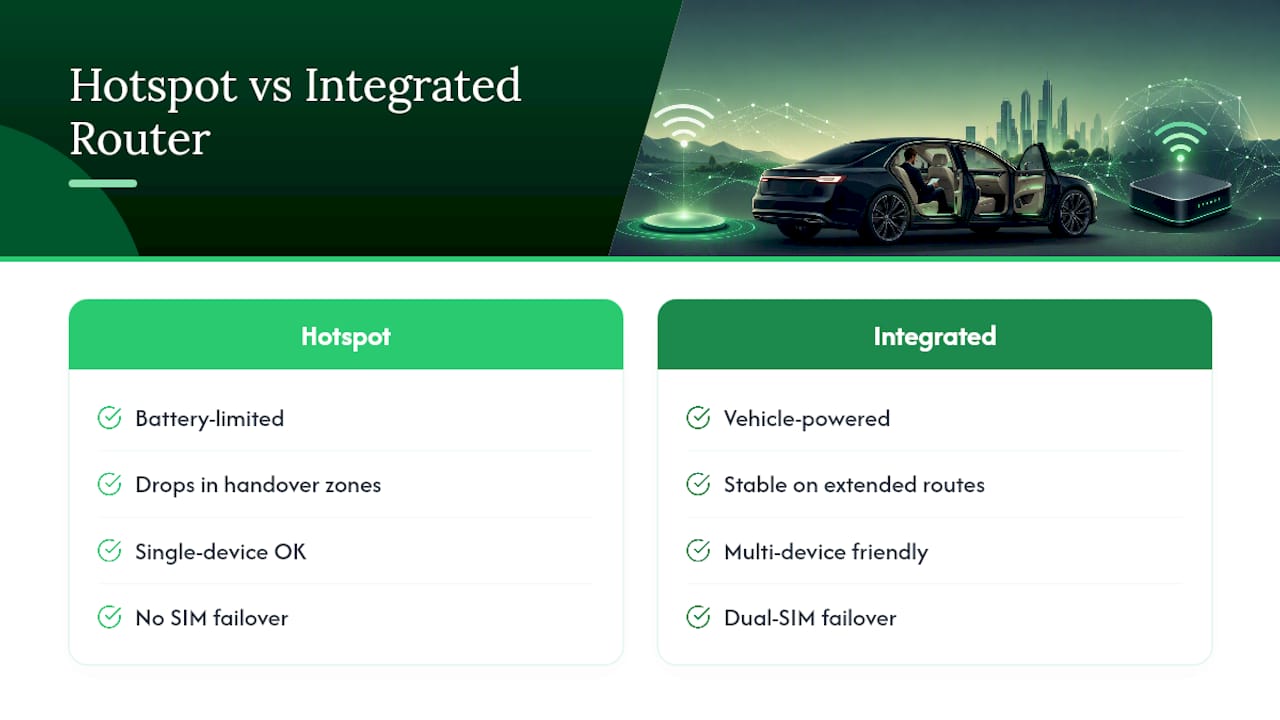
Portable hotspots work fine for checking email, browsing, or a quick single-device session. They’re cheap, easy to swap between vehicles, and adequate for short airport runs. Their weakness shows up on longer trips: signal drops in handover zones between cell towers, and battery life becomes a factor nobody thinks about until it’s an issue. Limo notes that portable units simply underperform integrated systems once multiple devices or extended routes come into play.
Integrated enterprise routers, the Peplink class of hardware, are built for exactly this problem. They handle multiple simultaneous devices without the connection choking, and dual‑SIM failover means one dead carrier doesn’t kill your call. For business travelers doing back-to-back video meetings from the back seat, this is the difference between a productive commute and a rescheduled meeting.
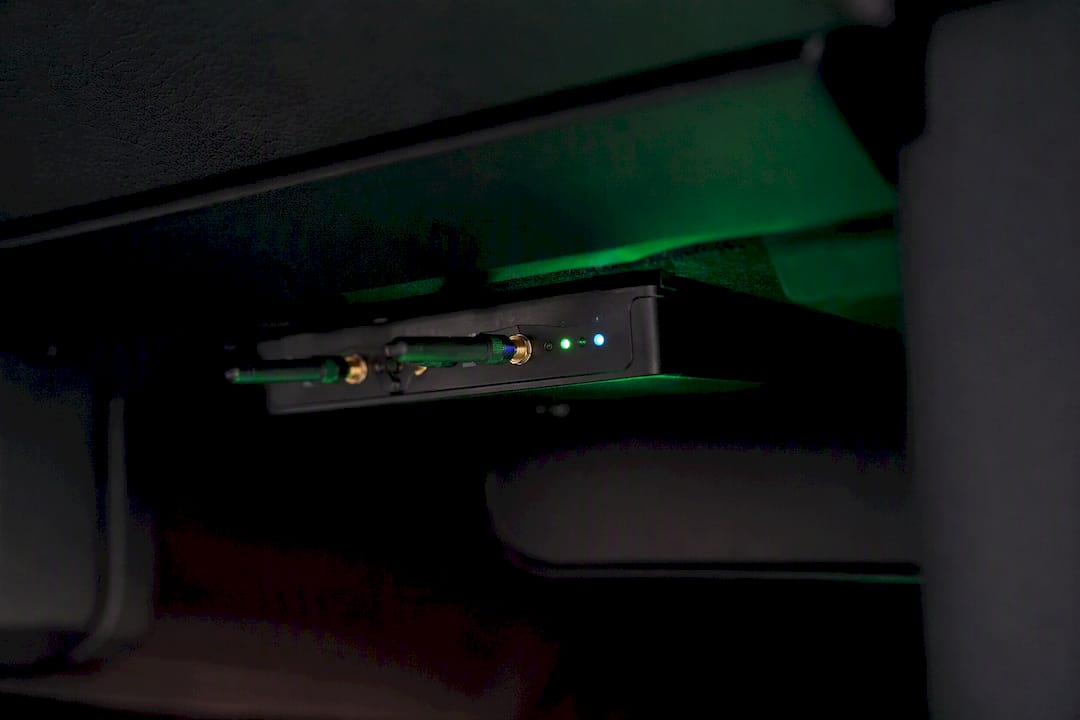
Premium tiers add unlimited data allowances and zero‑touch onboarding through Passpoint or QR codes, letting your device connect automatically without typing a password. Some setups even support seamless roaming handoff from the vehicle into a hotel’s network, described in detail by One80 Technology Group’s look at hospitality connectivity.
Pro Tip: If your itinerary includes a video call longer than 15 minutes, request an integrated router specifically. Portable hotspots handle email fine but tend to stutter under sustained video load.
Match the tool to the task: email and browsing tolerate a hotspot; video calls and multi-device family trips want the integrated router.
What Should You Ask Before Booking a Chauffeur With Wi‑Fi?
Booking Wi‑Fi blind almost guarantees disappointment. A short, specific checklist prevents it.
- Is Wi‑Fi included or an add-on? Some operators bundle it into fixed pricing; others treat it as a premium extra.
- What hardware runs it? A portable hotspot and an enterprise gateway are not interchangeable, and you deserve to know which one you’re getting.
- Is there a data cap? Streaming or large file transfers can hit limits that email never would.
- How many devices can connect simultaneously? Traveling with colleagues or family changes this math fast.
- How do you onboard? QR code or Passpoint authentication is faster and more secure than a shared password typed on a phone.
- Does the vehicle class matter? A larger vehicle like a Mercedes V‑Class may need interior access points that a sedan-class Mercedes S‑Class doesn’t.
Get the answer in writing, even if it’s just a confirmation email or an in-app note, and save your preference on your account so you don’t have to repeat this checklist every single trip.
Pro Tip: If Wi‑Fi quality is non‑negotiable for your trip, specify the vehicle class in your booking notes. Larger vehicles handle multi-device coverage differently than standard sedans, and asking upfront avoids a surprise on pickup.
How to Get the Best Onboard Wi‑Fi Experience
A few habits on your end matter as much as the hardware in the car.
Before the ride, update your device’s operating system and enable Wi‑Fi calling, so your phone can hand off cleanly between cellular and the vehicle’s network. If the trip is mission-critical, bring a backup personal hotspot. Redundancy costs nothing and saves everything when a handoff hiccups.
Once onboard:
- Connect through Passpoint or a QR code rather than typing a shared password from memory.
- Avoid large uploads or downloads during the first few minutes of a route, when the gateway is still stabilizing its connection.
- Use a VPN for anything sensitive. Guest network isolation on well-configured fleets keeps your traffic separate from vehicle telemetry, but a VPN adds a second layer you control directly.
Pro Tip: If the connection degrades mid-ride, ask your driver whether the vehicle has a secondary SIM or booster you can toggle. Enterprise setups often have a manual failover option that isn’t automatic.
Trust captive portals from known, professional operators, but treat any unfamiliar login page with the same skepticism you’d apply to open airport Wi‑Fi.
The Real Gap Between What’s Promised and What Gets Delivered
The travel industry loves the phrase “Wi‑Fi included” and hates specifying what that actually means. Most of the disappointment travelers report isn’t about connectivity failing outright. It’s about a mismatch between what they assumed (“Wi‑Fi” means reliable, business-grade internet) and what they got (a phone hotspot with three bars and a prayer).
Here’s what the evidence actually supports: hardware quality is the whole story. A dual‑SIM enterprise gateway with an external antenna beats a consumer hotspot on every metric that matters for a working traveler, not by a small margin but categorically. Conventional booking advice tells you to just ask “does the car have Wi‑Fi?” That question gets you a yes every time and tells you nothing useful.
The smarter move is treating Wi‑Fi like you’d treat a seat preference or a car seat request: a specific, recorded requirement tied to your profile, not a hopeful assumption. Save it once, and it should follow you to every future booking. That’s not a luxury ask. It’s basic operational hygiene for anyone who works while traveling.
— Arthur
Book a Chauffeur Where Wi‑Fi Isn’t an Afterthought
Zont Cab treats connectivity as part of the booking, not a hopeful extra. Every ride comes with flight tracking, a personalized meet and greet, and fixed pricing with no hidden fees, across more than 120 cities in Europe.
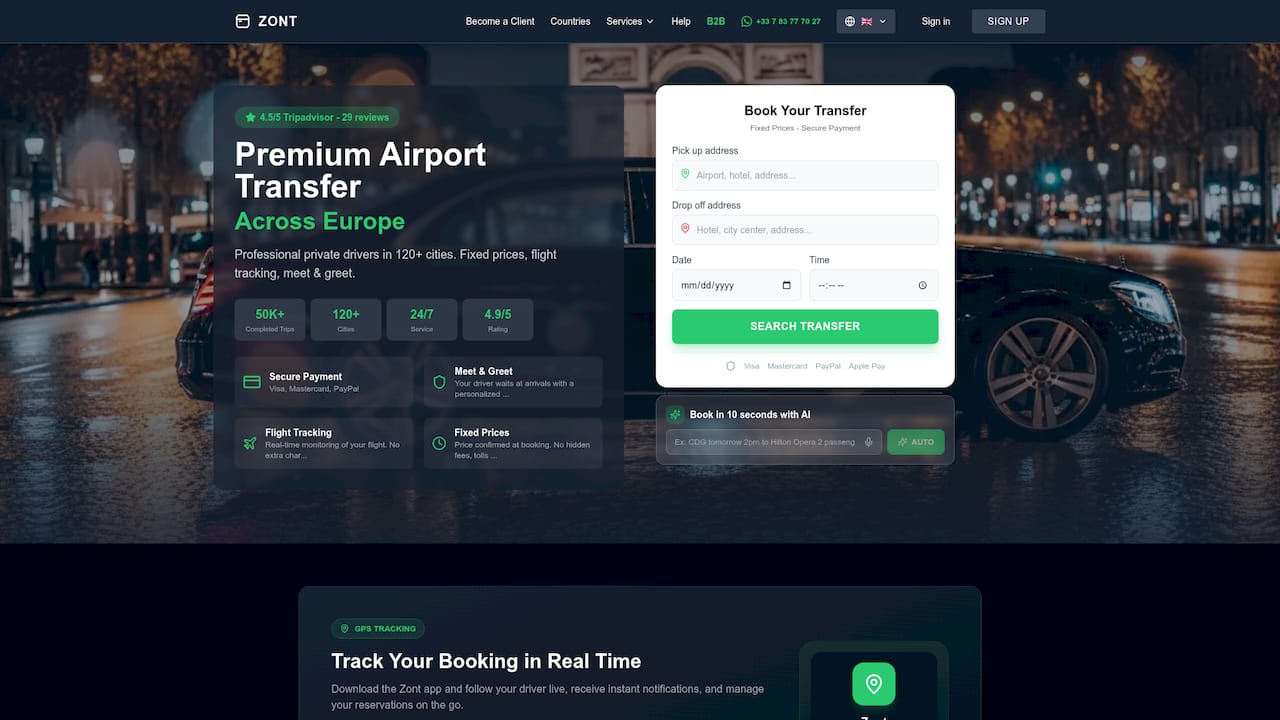
Because Zont Cab operates through app-based booking with saved passenger profiles, your Wi‑Fi requirement gets recorded once and applied to every future trip rather than re-explained at every pickup, as explained in Personalized Travel Service Benefits That Transform Trips. Business travelers can request premium vehicles like the Mercedes Classe S or Classe E for standard rides, or a Mercedes V‑Class when a larger group needs more interior access points for even coverage. With over 50,000 completed trips and a 4.5‑star rating on TripAdvisor, the track record backs the promise. If reliable onboard connectivity matters for your next transfer, note it in your hourly chauffeur booking or check availability across Zont Cab’s European coverage and add your Wi‑Fi requirement before you confirm.
Sources
- Purple
- Boost passenger satisfaction on long chauffeur trips with smart in-vehicle amenities — Pro Driver Point
- Limo